
Enter your server address and port. Get ready to connect with Auto version selection.
Read the server setup guide
 MC AFK
Manage Minecraft bots from your phone. Join the chat, check your inventory and choose a task. Keep playing your own way.
From your first connection to everyday tasks. Step inside the app.
Enter your server address and port. Get ready to connect with Auto version selection.
Read the server setup guideChoose a Java or Bedrock account. Follow the connection status from the dashboard.
Accounts and connection options
Actual example screens from the illustrated guide.
Mining, fishing and patrol. Choose a task and play its short recording when you want.
Bot yeni oluşan bloğu kırar, toplar ve yeniden kazmaya devam eder.
Only the video you play is downloaded. Switching tabs does not start it automatically.
From setup to your first connection. Walk through it with BerkeX. Videos are in Turkish.
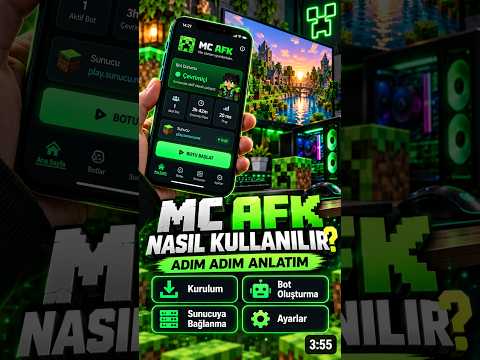 Watch on YouTube
Meet the app, add your server and make your first connection.
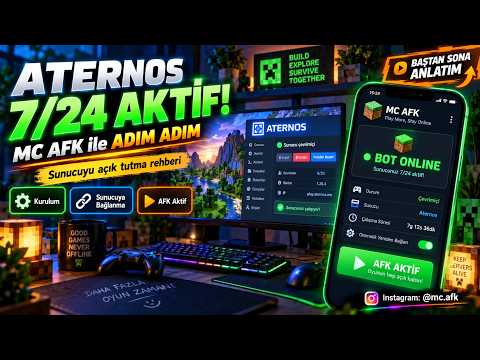 Watch on YouTube
Explore server connection through a real usage example.
Accounts, chat, inventory and tasks. Find the step you need in our guide, illustrated with actual app screens.
Open the illustrated guideQuick answers before you get started.
Connection options are available for both. The Android app supports Java through 26.3 and Bedrock through 1.26.51. Tasks and some tools are Java-only; server compatibility varies.
MC AFK runs on your phone, not in the cloud. It cannot run when your phone is off. Running with the screen off depends on Android battery and background settings.
Use it only on servers that allow bots. Login, verification and connection stability depend on the server; success on every server is not guaranteed.
Yes. MC AFK is now on the App Store; use the App Store button on this page to get it on your iPhone.
Get MC AFK for your Android phone or iPhone. Start with your first bot.


